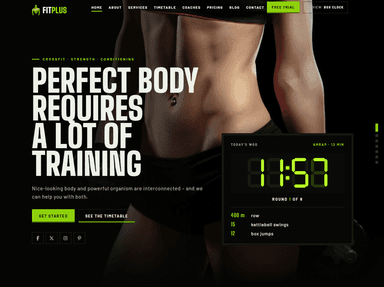
A gym website has one job: turn someone who is thinking about getting fit into someone who walks through your door for a first session. Pretty photos help, but what actually moves people is being able to answer three questions in under a minute: what classes do you run, when, and what does it cost?
This guide covers what a fitness website needs, the mistakes that quietly lose members, and 13 free gym and fitness templates you can start from today, plus a newer premium option if you want WordPress, Next.js or Astro.
Key takeaways
- The pages that sell memberships are the timetable, pricing and a free-trial or first-class offer. Put them one tap away from every page.
- Most gym visitors are on a phone, often nearby. Design the mobile version first and show opening hours, address and a call button without scrolling.
- A free HTML template is fine for a single studio. If staff will update classes and prices every week, choose a WordPress theme so nobody needs a developer for small changes.
What every gym website needs
Whether you run a boxing club, a yoga studio or a 24-hour gym, the same handful of pages do most of the work.
1. A class timetable people can actually read on a phone
The timetable is usually the most visited page on a fitness site, and the one most often built badly: a wide seven-column table that turns into a sideways-scrolling mess on mobile. On small screens, show one day at a time with a simple day switcher, and list each class with its time, length, level and instructor. If you use a booking system, link each class straight to its booking slot instead of sending people to a generic “book now” page.
2. Clear membership pricing
“Contact us for prices” is the fastest way to send a visitor to the gym down the road. Show your main plans side by side, say what each includes (classes, open gym, personal training sessions, contract length) and mention joining fees up front. If prices vary by location or promotion, show a “from” price and explain what changes it.
3. One low-commitment first step
A free class, a discounted first week or a free fitness assessment gives nervous beginners a reason to act today. Pick one offer, make it the main button in your header and hero, and keep the sign-up form short: name, email or phone, and preferred day. You can ask everything else in person.
4. Trainers with real photos and specialities
People join a gym partly because of who will coach them. Give each trainer a real photo (not stock), their specialities, qualifications and the classes they teach. A short line in their own words does more than a list of certificates.
5. Location, hours and contact on every page
Put opening hours, address and a tap-to-call phone number in the header or footer of every page, and embed a map on the contact page. Keep the same name, address and phone number as your Google Business Profile so local search results stay consistent.
6. Proof that it works
Member stories, before-and-after results (with permission) and reviews reduce the fear of walking into a new gym. Short quotes with a first name and photo feel more believable than long anonymous testimonials.
Design tips for fitness websites
- Use your own photos. Stock images of models in empty gyms all look the same. Photos of your real space, equipment and members build trust faster, even if they are less polished.
- Keep dark designs readable. Many fitness templates use black backgrounds with bold accent colors. That works, but check that body text still has enough contrast, especially gray text on black.
- Go easy on sliders and autoplay video. A single strong hero image with one headline and one button usually converts better and loads much faster than a five-slide carousel.
- Make buttons thumb-sized. Booking and call buttons should be easy to tap with one hand, with space between them.
- Add local business structured data. Schema.org has an
ExerciseGymtype; filling in your address, hours and phone helps search engines understand your listing.
A quick test before you launch: open your homepage on a phone and see how long it takes to find tonight’s class times and the price of a monthly membership. If either one takes more than a couple of taps, move it higher up the page.
Free gym and fitness website templates
All of the templates below are free HTML templates. They give you the layout and styling; you add your own content, photos and booking links. Each one still needs a proper timetable and pricing page, so check which pages are included before you choose.
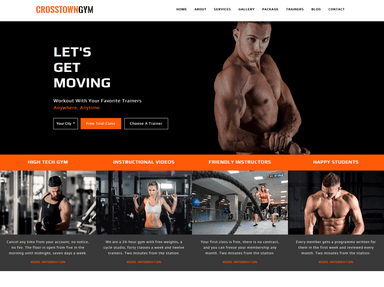
CrosstownGym
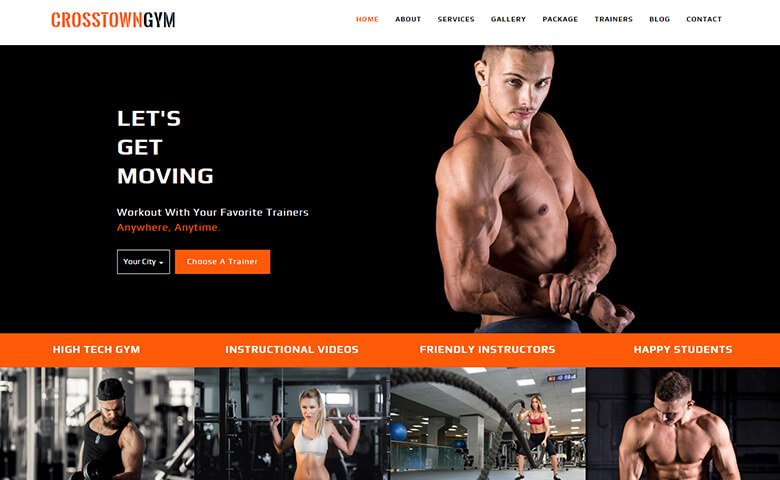
A dark, high-energy design with a bright orange accent and a big “Let’s get moving” hero. The menu already includes packages and trainers, so it suits a gym that sells memberships and personal training.
Palestra
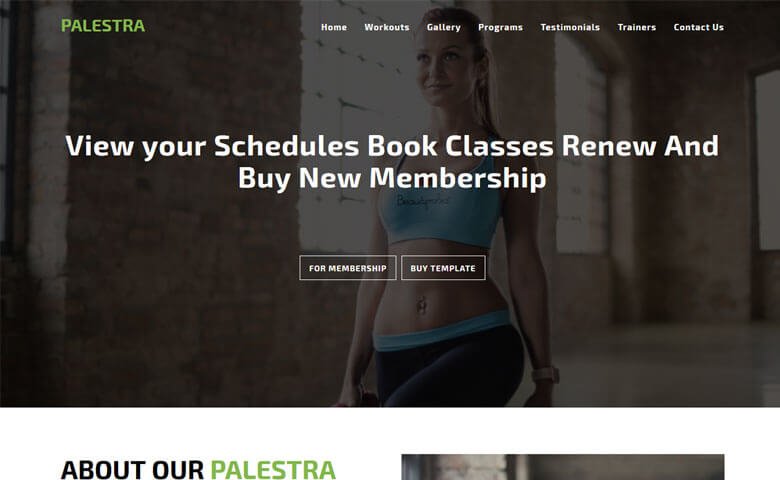
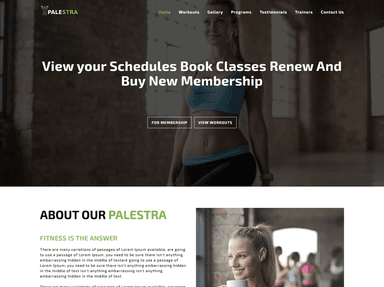
Built around the member journey: the hero invites visitors to view schedules, book classes and renew memberships, and the menu has workouts, programs and trainers. A good fit if online booking is central to how you run the gym.
Gym-Vigour
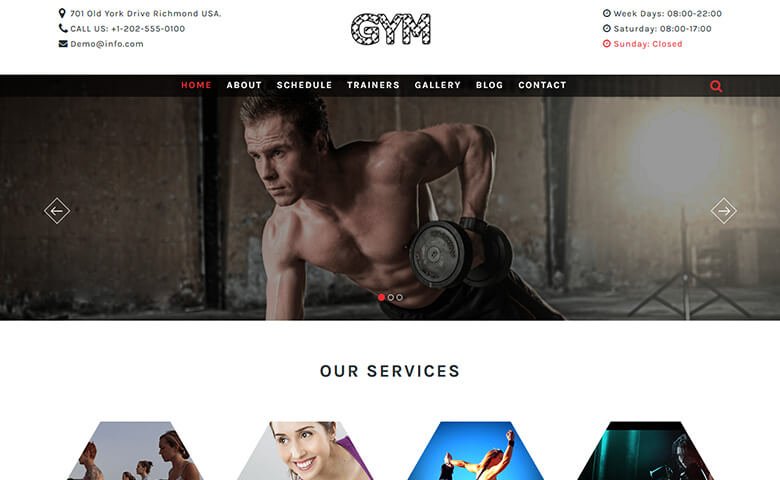
A more traditional layout with address, phone and opening hours in the top bar, which is exactly where local visitors look first. The menu includes a schedule and trainers section.
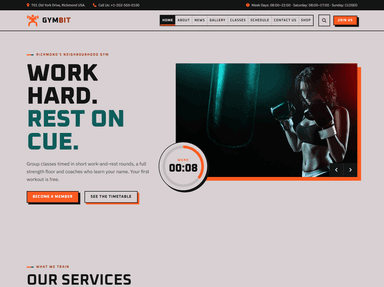
Gymbit

Dark and bold, with opening hours in the header and menu items for classes, schedule and a shop. Worth a look if you sell supplements or merchandise alongside memberships.
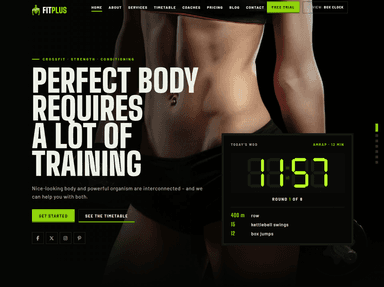
FitPlus
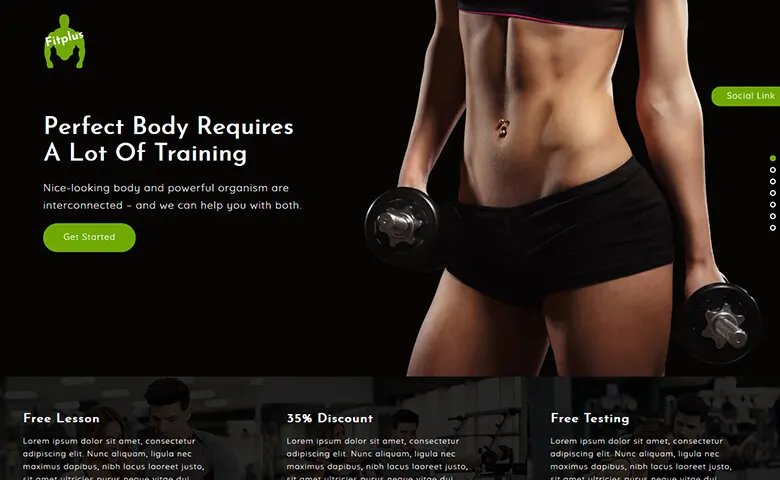
Leads with offers: a strip below the hero highlights a free lesson and a discount, which makes it easy to put your first-visit offer front and centre.
Fitnessmoves
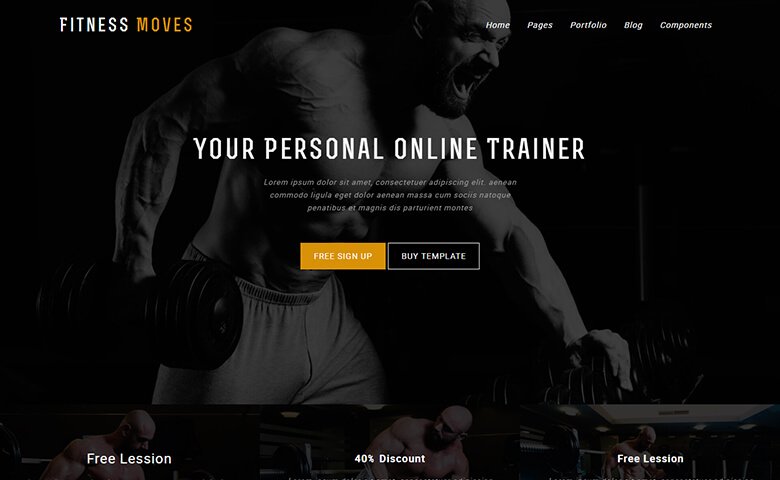
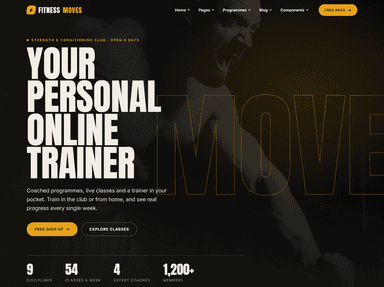
Framed around a personal trainer rather than a whole gym (“Your personal online trainer”), with sign-up buttons in the hero. A sensible starting point for independent coaches and online training.
BetterBodiez
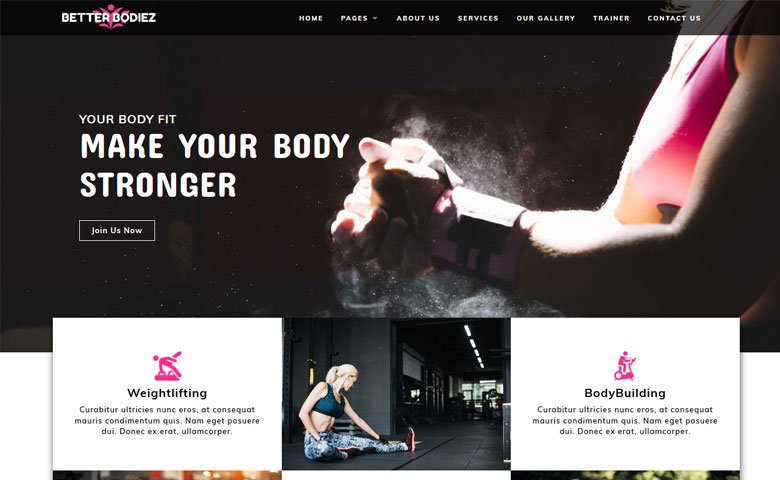
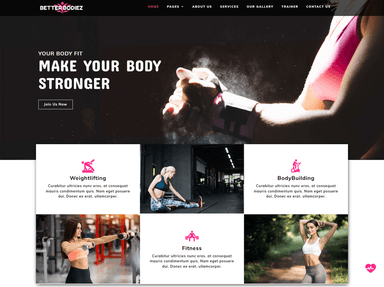
Service cards for weightlifting and bodybuilding sit right under the hero, so visitors see what you offer straight away. Suits strength-focused gyms.
Gym-Fitcare

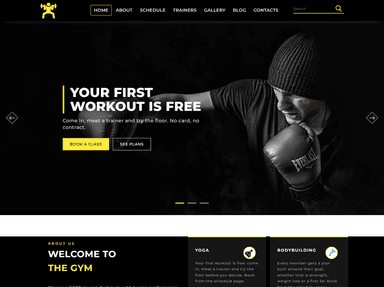
A moody black-and-white look with schedule and trainers in the main menu. Swap in your own photography and it works well for boxing or martial arts clubs.
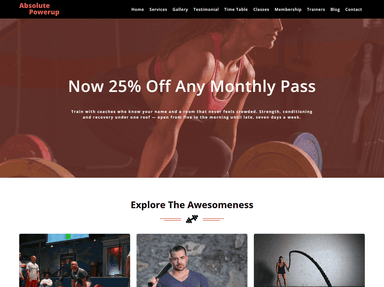
Absolute Powerup
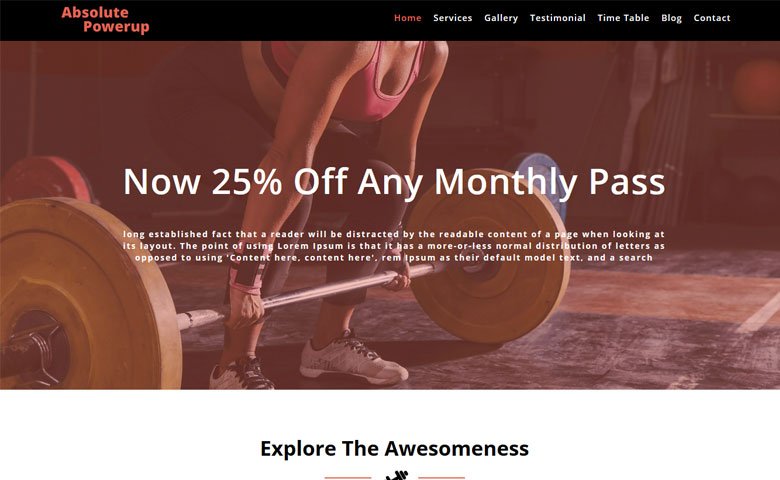
Opens with a membership promotion and has a timetable link in the main menu. Handy if you run regular pricing offers.
Stamina
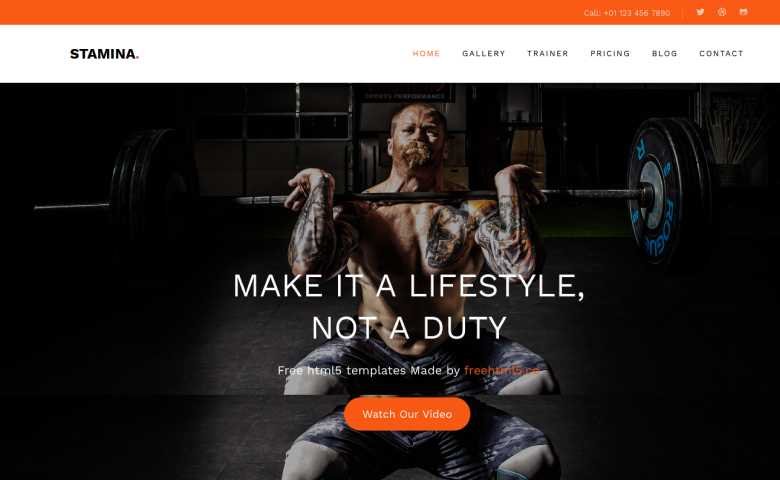
A clean Bootstrap template from FreeHTML5 with trainer and pricing sections in the menu and a video button in the hero.
Fitness
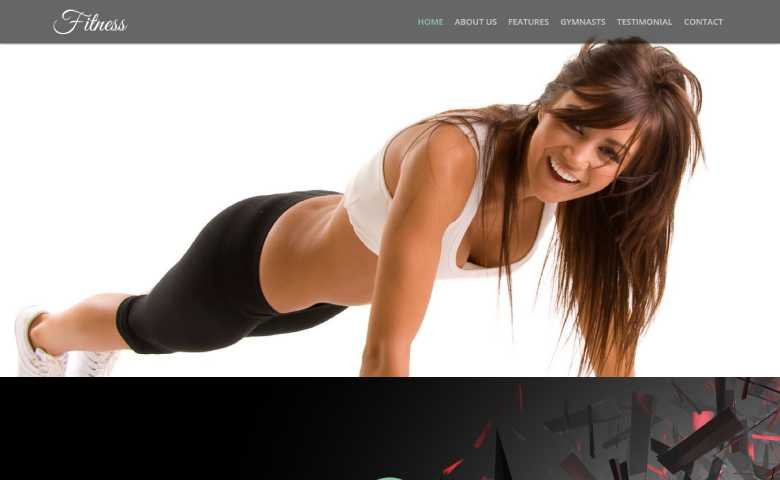
A light, minimal template with plenty of white space, closer to a wellness or gymnastics studio than a hardcore gym.
Fettle
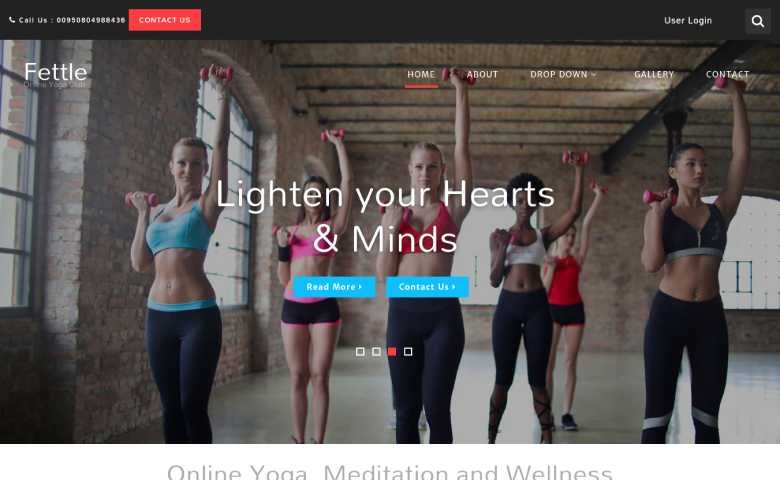
Aimed at yoga, meditation and wellness classes, with a softer tone and a shop menu for selling products or class passes.
Lotus Point
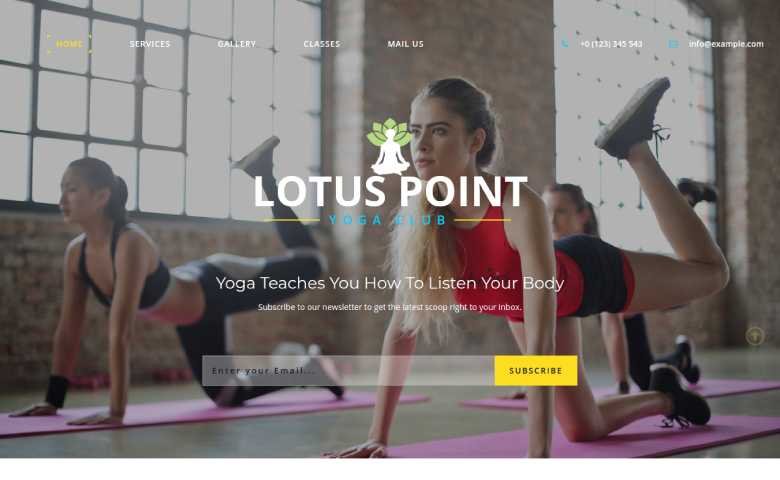
A yoga template with a newsletter sign-up built into the hero, useful if you grow your studio through an email list.
Newer option: WordPress, Next.js and Astro fitness templates
The free templates above are plain HTML, which means every class or price change is a code edit. If your team needs to update the site themselves, a WordPress theme is usually the better long-term choice. These are current fitness designs from ThemeVault, including free and premium versions:
 FreeHTML
 FreeHTML
 FreeHTML
 FreeHTML
 FreeHTML
 PremiumAstro
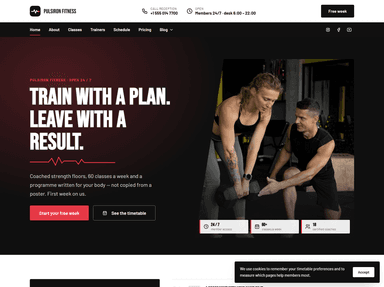
 FreeHTML
 PremiumAstro
How to choose the right template
- Start with your timetable. Check how the template shows schedules on a phone before you fall for the hero image.
- Decide who edits the site. Plain HTML for a developer-maintained site; WordPress if staff will update classes, prices and news.
- Plan your booking tool. Most gyms use a dedicated booking or membership system. Make sure you can link or embed it cleanly.
- Test speed on mobile data. Replace the demo images with compressed versions of your own and run the page through PageSpeed Insights before launch.
If you would rather have the site built for you, including booking integration and local SEO, our partner agency can help.
Frequently asked questions
What pages should a gym website have?
At minimum: home, class timetable, membership pricing, trainers, a free-trial or first-class sign-up, and contact with location and opening hours. Add a blog or member stories later if you have time to keep them updated.
Is a free gym website template good enough?
For a single studio with a developer on hand, yes. Free HTML templates give you a solid design; the effort goes into your content, photos and booking setup. If non-technical staff need to update the site, a WordPress theme will save time.
How can a gym website get more sign-ups?
Show prices openly, offer one simple first step such as a free class, keep the sign-up form short, and make opening hours, location and a call button easy to find on mobile.