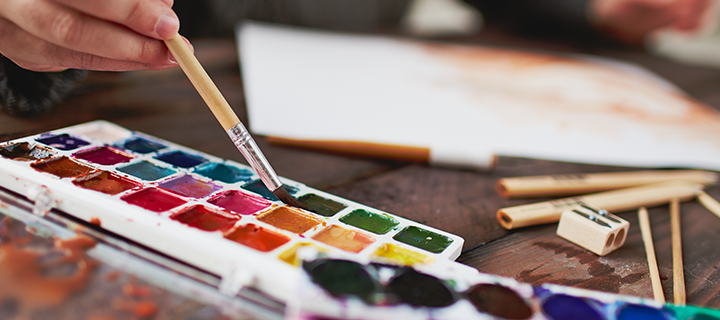
Good photos make a website feel real, and you don’t need a big budget to get them. There are excellent sites where photographers share high-quality images you can use on websites, blogs and client projects for free.
The catch is that “free” rarely means “no rules”. Each site has its own license, and some photos include people, logos or buildings that need extra care. Below are the free stock photo sites worth bookmarking, with a plain-English note on what each license allows.
Key takeaways
- For the biggest free libraries, start with Unsplash, Pexels and Pixabay. All allow commercial use without attribution.
- Free licenses still have limits: you usually can’t resell the photo as-is, and you should avoid using recognizable people or brands in ways that imply endorsement.
- Keep a note of where each photo came from. If a question ever comes up, you can show the source and license.
The big three
1. Unsplash
Unsplash has one of the largest collections of beautiful, editorial-style photography, strong on landscapes, workspaces, architecture and lifestyle. Under the Unsplash License you can use photos for free, including commercially, without asking permission; crediting the photographer is appreciated but not required. You can’t sell unaltered copies or use the photos to build a competing photo service. Some results are paid “Unsplash+” images, which are clearly marked.
2. Pexels
Pexels offers a huge library of free photos and videos, with more people and everyday business scenes than Unsplash. The Pexels License allows free commercial use without attribution. Don’t sell unaltered copies, and don’t show identifiable people in a bad light or imply they endorse your product.
3. Pixabay
Pixabay goes beyond photos with illustrations, vectors, video and music. Its content license allows free commercial use without attribution, with similar limits on reselling content as-is and on using recognizable people, logos and trademarks. Quality varies more than on Unsplash, so browse a little longer.
More great free photo sites
4. Burst by Shopify
Burst is Shopify’s free photo library, built with online stores in mind: products, small business owners, workspaces and lifestyle shots that suit ecommerce and marketing pages.
5. Kaboompics
Kaboompics specializes in bright, styled interiors, flat lays and lifestyle photos. A handy extra: each photo comes with a matching color palette, which makes it easier to keep a page’s colors consistent.
6. StockSnap.io
StockSnap.io publishes photos under the CC0 public domain dedication, so you can use them without restrictions or attribution. The library is smaller than the big three but has a good mix of business and nature shots.
7. Gratisography
Gratisography is the place for quirky, humorous and unusual images that don’t look like stock photos at all. Perfect when a blog post or campaign needs personality.
8. Picjumbo
Picjumbo offers free photos across business, food, travel and technology, with an optional paid membership for extra collections.
9. Life of Pix
Life of Pix shares high-resolution photos, strong on cities, architecture and moody landscapes, which work well as full-width hero backgrounds.
10. Jay Mantri
Jay Mantri is a single photographer’s collection of atmospheric nature and city photos, released for free use. The consistent style makes it easy to pick several images that look like a set.
11. New Old Stock
New Old Stock collects vintage photos from public archives that are free of known copyright restrictions. Great for history-themed content or a retro look. Check the linked source for each image, as archives note their own terms.
What to check before you use a free photo
- The license on the photo’s own page. Sites can change their terms, and some mix free and paid images in the same search results.
- Recognizable people. Free sites rarely provide model releases. Avoid using people’s faces in ads, on product packaging or anywhere that suggests they endorse you or relates them to sensitive topics.
- Logos, products and landmarks. Visible brand names or trademarked designs can cause problems in commercial use. Crop them out or pick another photo.
- Where it came from. Save the photo’s page URL with the file so you can show the source later.
How to make stock photos look less “stock”
- Crop with intent. Tight crops on hands, details or objects feel more authentic than wide, posed shots.
- Unify the color. A consistent tint or duotone makes photos from different sources look like one set. You can do this in the browser with CSS blend modes.
- Mix in your own photos. Even a few real photos of your team, products or workspace make the stock images around them more believable.
- Compress and resize. Download a size close to how the image will be displayed, then compress it and serve WebP or AVIF so it doesn’t slow the page down.
Whichever site you use, save the photo’s page URL next to the file in your project folder. If a license question ever comes up, you’ll know exactly where the image came from and what the terms were when you downloaded it.
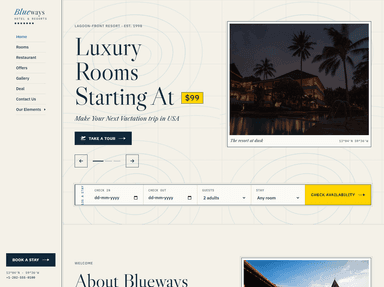
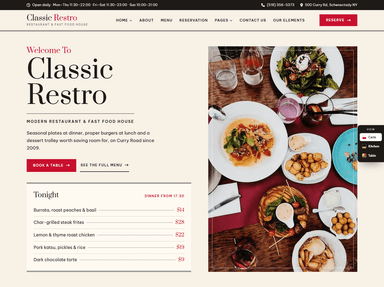
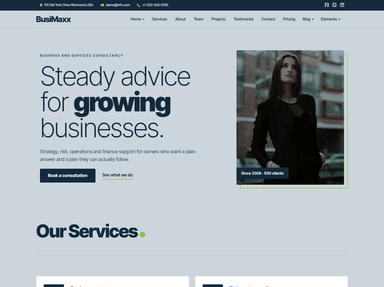
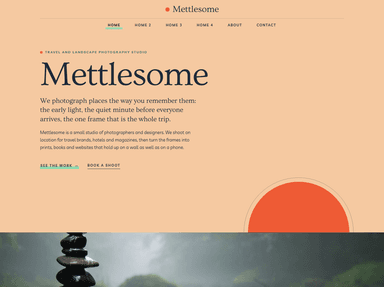
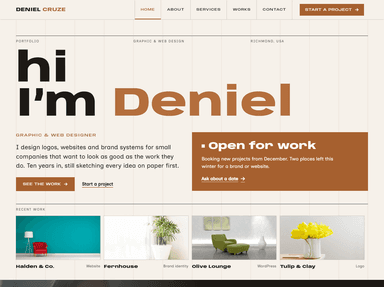
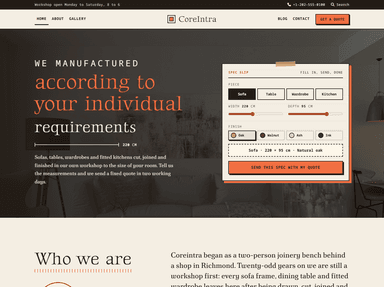
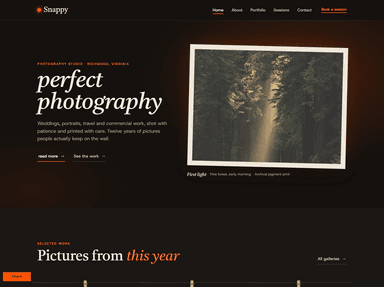
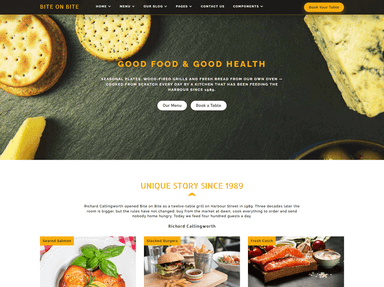
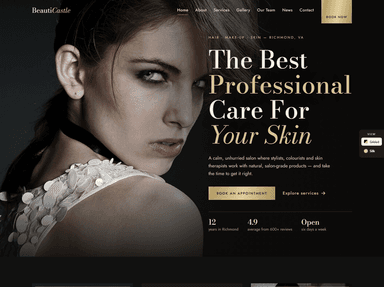
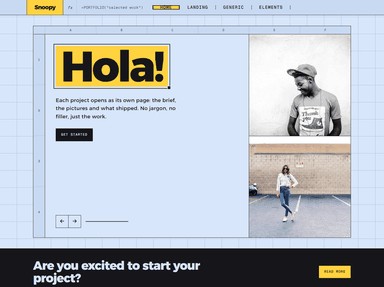
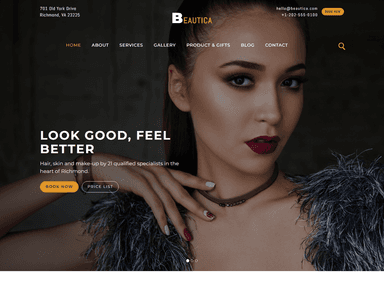
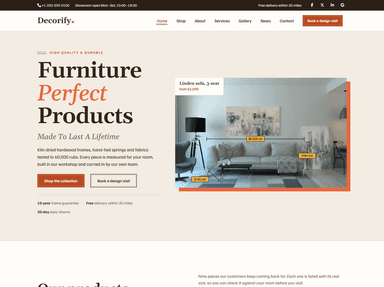
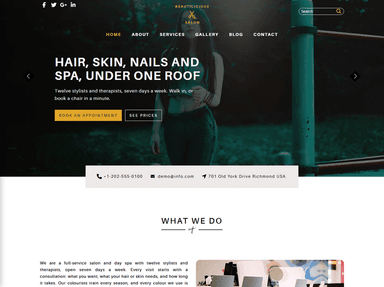
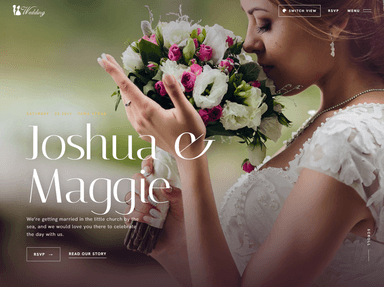
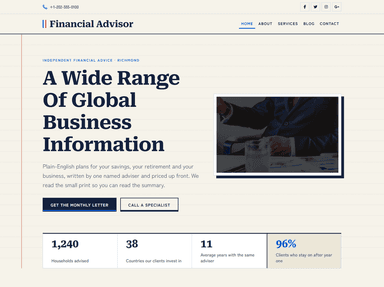
Need a design to put those photos into? Many ThemeVault templates use photography from free libraries like these, so they are easy to swap for your own:
 FreeHTML
 FreeHTML
 FreeHTML
 PremiumAstro
 FreeHTML
 FreeHTML
 FreeHTML
 PremiumAstro
 FreeHTML
 FreeHTML
 FreeHTML
Frequently asked questions
Can I use free stock photos for commercial purposes?
On Unsplash, Pexels, Pixabay and CC0 sites like StockSnap.io, yes, including on business and client websites. Read each site’s license for limits, such as not reselling photos as-is and care with recognizable people and brands.
Do I need to credit the photographer?
On most of these sites attribution is not required, but it is appreciated. A short credit in a caption or on your credits page is a nice way to support the photographers.
Which free stock photo site has the best quality?
Unsplash is known for the most consistently polished, editorial-style photography. Pexels has more everyday people and business scenes, and Kaboompics is strong for styled interiors and lifestyle shots.