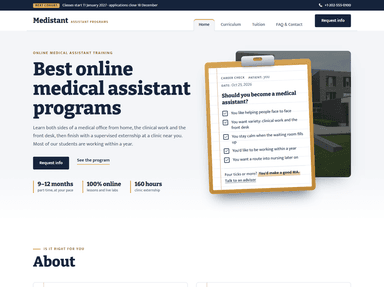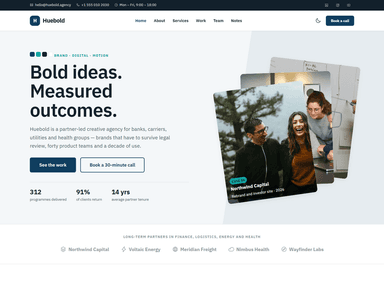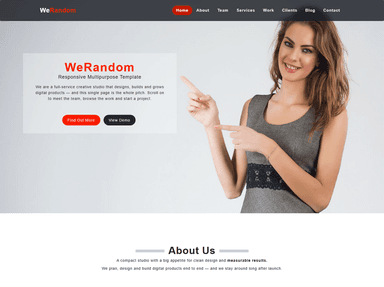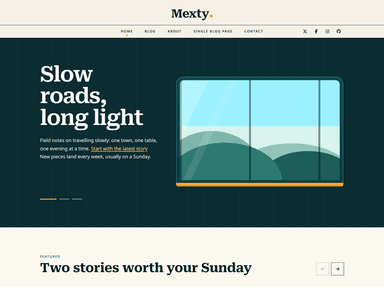
Building an admin area from scratch means dozens of screens before you get to the part that’s actually yours: a sidebar, tables, forms, charts, login pages, error pages. An admin dashboard template gives you all of that in a consistent design, so you can spend your time on the features your users need.
This guide covers what to check before you pick one, and ten free Bootstrap and front-end admin templates that are still available and, in most cases, open source under the MIT license.
Key takeaways
- Check the license, the Bootstrap version and when the project was last updated before anything else.
- Choose by the components you need (tables, forms, charts, auth pages), not by the demo’s color scheme.
- AdminLTE, Tabler and CoreUI are the safe, widely used starting points.
What to check before you choose
- The license. MIT is the most permissive: you can use the template in commercial projects and client work. Check the license file in the repository, not just the marketing page.
- The Bootstrap version. Bootstrap 5 dropped jQuery and is the current major version. Older Bootstrap 3 or 4 templates still work but mean more upgrade work later.
- Recent activity. A project updated in the last year or so is more likely to have current dependencies and fixes.
- The components you need. Data tables, form validation, charts, a file upload, login and password reset pages. Check the demo has them.
- Your stack. Some templates come in React, Vue or Angular versions; pick one that matches what your app is built with.
My advice: pick the template with the dullest, most complete set of components. The flashy demo charts are the first thing you’ll replace; the forms and tables are what you’ll use every day.
 FreeHTML
 PremiumAstro
 FreeHTML
 FreeHTML
 FreeHTML
 FreeHTML
 PremiumAstro
 FreeHTML
 FreeHTML
 FreeHTML
10 free admin dashboard templates
AdminLTE
One of the most widely used open-source admin templates, built on Bootstrap and released under the MIT license. Lots of pages and components, a large community, and still actively maintained.
Tabler
A clean, modern dashboard UI kit with a big set of components and an open-source core under the MIT license. Its design is calm and readable, which matters for screens people look at all day.
CoreUI Free Bootstrap Admin Template
An open-source Bootstrap 5 admin template under the MIT license, with versions for several front-end frameworks. A good choice if you may move to React, Vue or Angular later.
SB Admin 2
From Start Bootstrap, a simple and popular admin theme under the MIT license. It’s built on Bootstrap 4, so it’s best for small internal tools or learning rather than a long-lived product.
Adminator
An admin dashboard from Colorlib, open source under the MIT license and actively maintained, with a lightweight, vanilla JavaScript approach.
Mazer
A free Bootstrap 5 admin dashboard under the MIT license, with a clean layout and light and dark modes.
Purple Admin
A free admin template from BootstrapDash, described as a Bootstrap 5 template, with the free version released under the MIT license on GitHub. Colorful, with plenty of form and chart pages.
Vue Material Dashboard
A free Vue.js admin template from Creative Tim in a Material Design style, under the MIT license. Pick this if your app is built with Vue.
MaterialPro Lite
The free version of WrapPixel’s MaterialPro admin template, in a Material Design style. Check the license included with the download before using it in a commercial project.
Matrix Admin
WrapPixel’s free Matrix admin template, now in a Bootstrap 5 version on GitHub. Check the repository’s license before commercial use.
At a glance
| Template | Built with | License |
|---|---|---|
| AdminLTE | Bootstrap | MIT |
| Tabler | Bootstrap 5 | MIT |
| CoreUI Free | Bootstrap 5 | MIT |
| SB Admin 2 | Bootstrap 4 | MIT |
| Adminator | Vanilla JavaScript | MIT |
| Mazer | Bootstrap 5 | MIT |
| Purple Admin | Bootstrap 5 | MIT |
| Vue Material Dashboard | Vue.js | MIT |
| MaterialPro Lite | Bootstrap, Material style | Check the download |
| Matrix Admin | Bootstrap 5 | Check the repository |
Admin templates from ThemeVault
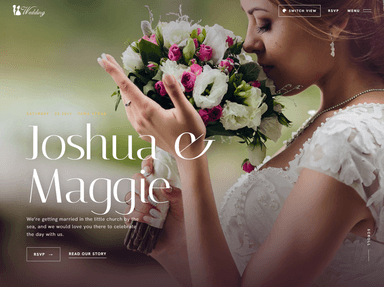
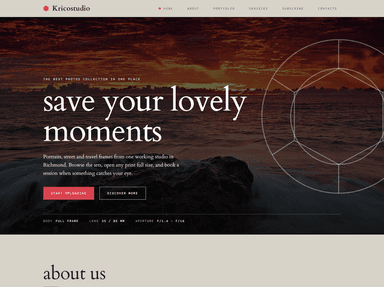
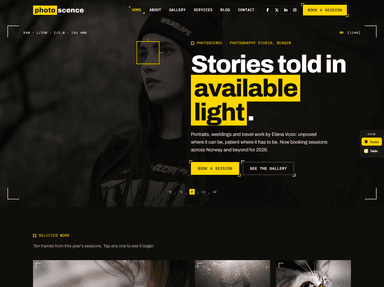
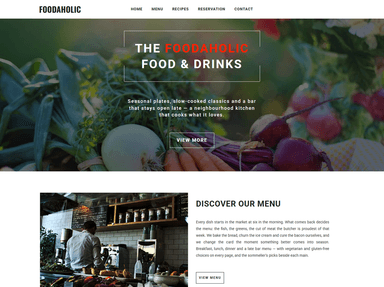
ThemeVault, run by our author Maulik Umrania, also has free admin templates in plain HTML and Bootstrap:
Tips for working with an admin template
- Delete the pages and plugins you don’t use. Admin templates ship with everything, and unused scripts slow every page.
- Keep your changes separate from the template’s own files where you can, so updates are easier.
- Check accessibility: keyboard navigation, focus states and contrast in tables and forms. Admin screens are used for hours at a time, and our list of color tools for designers includes free contrast checkers.
- Never put real data in a public demo or a copy of the template on an open server.
Frequently asked questions
What is the best free admin dashboard template?
AdminLTE, Tabler and CoreUI are the most widely used open-source options, all under the MIT license and actively maintained. The best one for you depends on your framework and the components you need.
Can I use a free admin template in a commercial project?
If it’s MIT licensed, yes, including client work. For other licenses, read the terms in the download or repository before you use it commercially.
Bootstrap 4 or Bootstrap 5 for a new admin panel?
Bootstrap 5 for anything new. It no longer needs jQuery and is the current major version. Bootstrap 4 templates are fine for small internal tools.
Do admin templates include a backend?
No. They’re the front end: layouts, components and example pages. You connect them to your own application and database.