
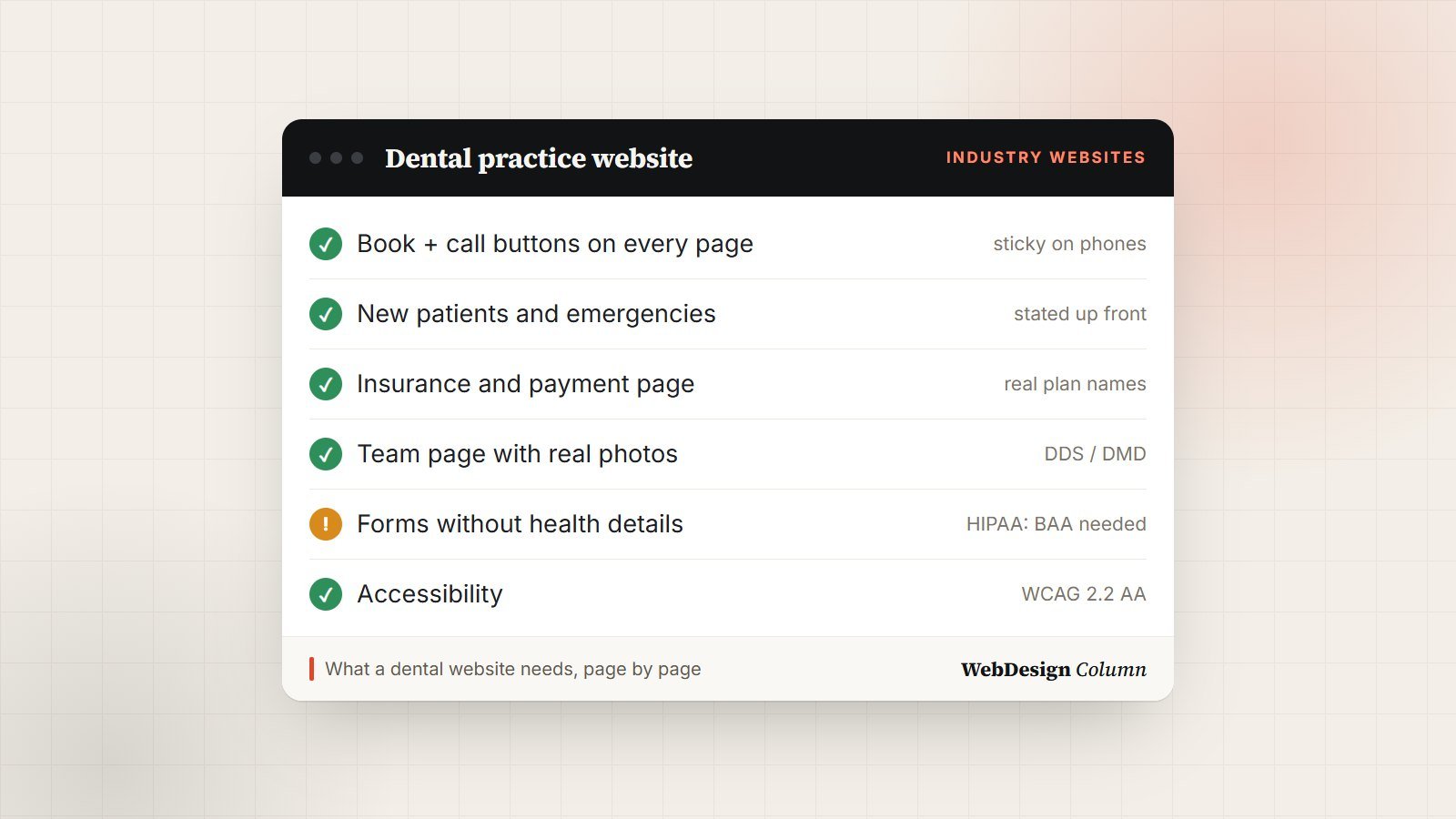
People don’t browse dental websites for fun. They arrive with a toothache, a new insurance card or a child who needs a checkup, and they want three answers fast: can this practice see me, do they take my insurance, and how do I book. A dental website design that answers those questions in the first few seconds will win more appointments than a prettier one that doesn’t.
This guide covers what a dental practice website needs, page by page, the rules that apply to healthcare sites in the US, and the design choices that make patients trust you before they’ve met you.
Key takeaways
- Put booking, phone number, insurance and location within reach on every page, especially on phones.
- Real photos of your team and office build more trust than stock images of perfect smiles.
- Healthcare rules apply: don’t collect patient health details through an ordinary contact form, and build the site to be accessible.
What patients look for first
Most visits to a dental website come from a phone, often straight from a Google search or map listing. Before anything else, a visitor should be able to see:
- A booking button and a tap-to-call phone number, visible without scrolling.
- Whether you’re taking new patients, and whether you see emergencies.
- The insurance you accept, or at least a clear “we work with most PPO plans, check yours here” link.
- Where you are and when you’re open, with a map and parking or transit notes.
A sticky bar at the bottom of the screen on phones, with “Call” and “Book” buttons, is one of the simplest changes with the biggest effect on enquiries.
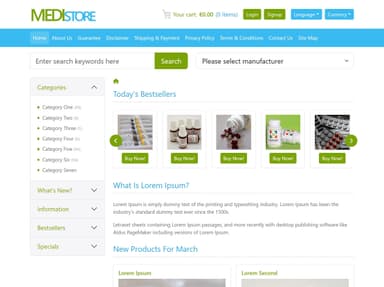
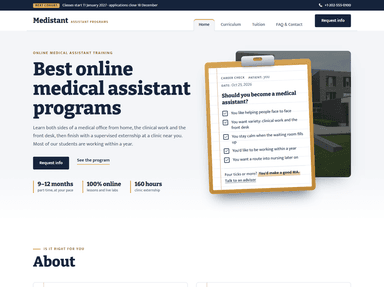
 FreeHTML
 FreeHTML
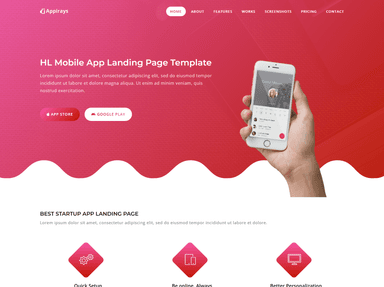
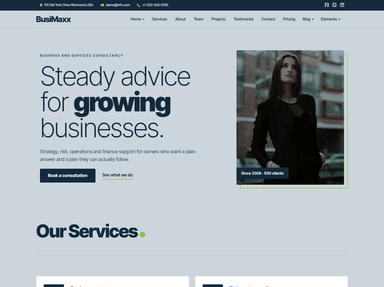 FreeHTML
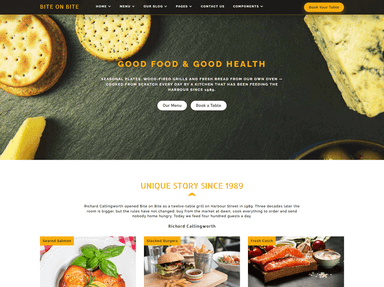 PremiumAstro
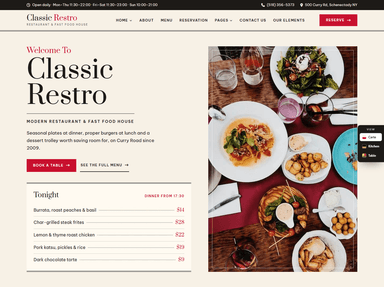 FreeHTML
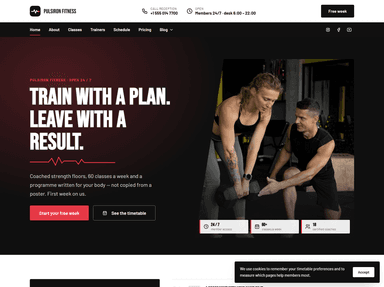
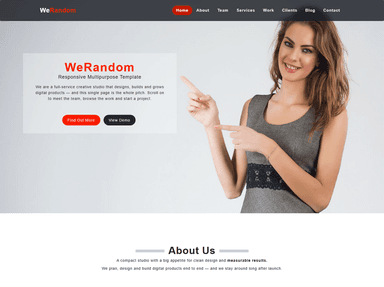 FreeHTML
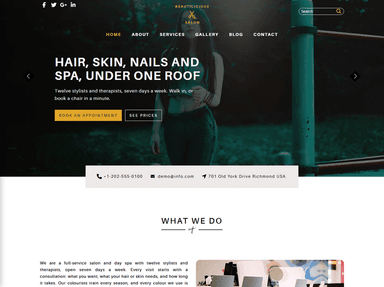 PremiumElementor
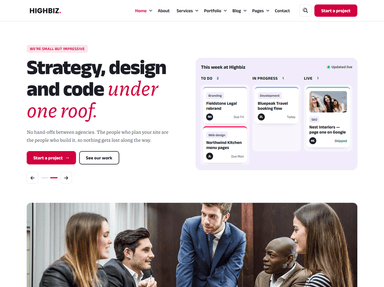 FreeHTML
The pages a dental website needs
Home
One clear headline that says who you serve and where (“Family and cosmetic dentistry in Austin”), the booking and call buttons, a short list of main services, a few real reviews, and your address and hours. Resist the urge to put everything here; the home page’s job is to send people to the right next page.
One page per service
Separate pages for cleanings and checkups, fillings, crowns, implants, Invisalign or clear aligners, whitening, children’s dentistry and emergency care. Each page should explain what the treatment involves, who it’s for, how long it takes, what recovery looks like and roughly what affects the cost. Separate pages also help you show up when someone searches for that specific treatment near them.
Meet the team
Real photos, names, credentials (DDS or DMD, specialties, years in practice) and a sentence or two in each dentist’s own voice. Include hygienists and front-desk staff: patients will meet them first.
New patients
What to expect at the first visit, what to bring, how long it takes, and how to fill in forms before arriving. This page answers the questions that make nervous patients put off booking.
Insurance and payment
The plans you’re in network with, how you handle out-of-network claims, payment options and any financing or membership plan for patients without insurance. Vague pricing pages lose people to practices that are clearer.
Contact and location
Address, map, hours, phone, parking, accessibility of the building, and an after-hours note for emergencies. If you have more than one office, give each its own page with its own details.
Healthcare rules that affect your website (US)
This isn’t legal advice, but these are the points every practice should check with its compliance adviser before launch.
Patient information and HIPAA
Dental practices are covered by HIPAA, so health details a patient sends through your site need the same protection as your paper records. A standard WordPress contact form usually emails its contents in plain text, which isn’t suitable for symptoms, medical history or insurance numbers. Either keep website forms to name, contact details and a preferred time, or use a form or patient-intake service built for healthcare that will sign a business associate agreement (BAA) with you.
Before-and-after photos
Patient photos are health information. Get written authorization from each patient before publishing their photos, and keep that consent on file.
Accessibility
Dental offices are public accommodations under the Americans with Disabilities Act, and website accessibility complaints and lawsuits are common in the US. Aim for WCAG 2.2 level AA: enough color contrast, text alternatives for images, forms that work with a keyboard and screen reader, and captions on videos. It also makes the site easier for every patient to use.
Reviews and testimonials
Only show real reviews from real patients, and never offer rewards in exchange for positive ones. The FTC treats fake or bought reviews as deceptive. Linking to your Google reviews, or embedding them, is simpler and more convincing than hand-picked quotes.
Design choices that build trust
- Use real photos of your office, team and treatment rooms. Patients notice stock photos, and they’re looking for reassurance about the place they’ll walk into.
- Keep the palette calm: plenty of white space, one accent color for buttons, and body text of at least 16 pixels.
- Write the way you talk in the chair. Putting “replace a missing tooth” next to “dental implants” helps people who don’t know the term yet.
- Talk about comfort: sedation options, how you help anxious patients, what a child’s first visit is like. For a nervous patient, that paragraph can decide the booking.
- Make it fast on phones. Compress photos and keep scripts light; a slow site loses people who are already in pain. Our guide to speeding up a WordPress site walks through the fixes.
Online booking
If a practice website gets only one upgrade this year, we’d make it this one. Many patients now expect to book without calling. Most dental practice management systems offer an online scheduling tool or connect with one, and that’s usually better than a “request an appointment” form, because the patient picks a real open slot. If you do use a request form, say clearly when you’ll call back, and keep it to non-medical details.
Local SEO for dental practices
- Fill in every field of your Google Business Profile, add real photos, keep hours current (holidays too) and reply to reviews.
- Use exactly the same practice name, address and phone number on your site, your profile and every directory.
- Add structured data. schema.org has a
Dentisttype. Adding it with your address, hours and phone helps search engines understand your practice. - Mention the neighborhoods and towns you serve naturally on the home, contact and service pages.
Dental website checklist
- Book and call buttons on every page; sticky on phones.
- New patients and emergencies clearly stated.
- Insurance and payment page with real plan names.
- A page for each service in plain language.
- Team page with real photos and credentials.
- Forms collect no health details unless the service is HIPAA-ready with a BAA.
- Written consent on file for every patient photo.
- Accessibility checked against WCAG 2.2 AA.
- Google Business Profile complete;
Dentiststructured data on the site. - Fast on phones, and kept up to date with regular maintenance.
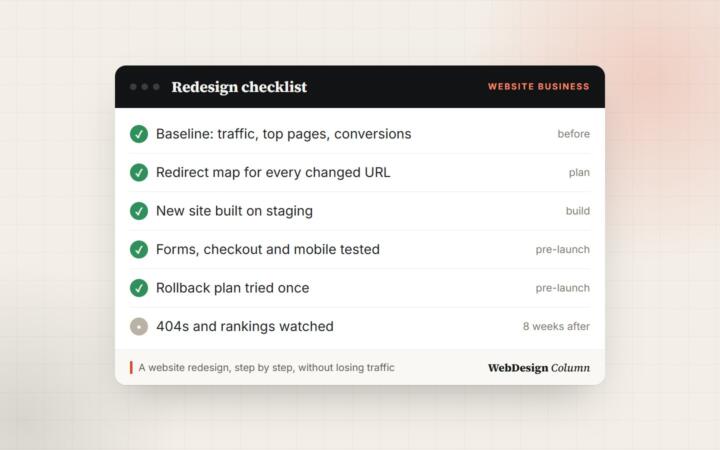
Rebuilding an existing practice site rather than starting fresh? Work through our website redesign checklist so you keep the search rankings and reviews you already have.
Frequently asked questions
How much does a dental website cost?
It depends mostly on the number of pages, custom design and integrations like online booking. A template-based site with the core pages typically costs a few thousand dollars; a custom design with booking integration, multiple locations and professional photography costs more. Ongoing maintenance and hosting are separate monthly costs.
Can I use a template for a dental website?
Yes, as long as you replace the demo photos and text with your own, and check that its forms, accessibility and speed meet the points in this guide. A good template saves design time; it doesn’t replace real content about your practice.
Do I need a HIPAA-compliant website?
The pages themselves don’t hold patient data, but any form, chat or intake tool that collects health information does. Either keep forms to contact details only, or use a healthcare-ready service that signs a business associate agreement. Check the details with your compliance adviser.
Should a dental website have a blog?
It helps if you can keep it useful: answers to questions patients really ask, such as what to do about a chipped tooth or how long whitening lasts. A few good articles beat a stream of thin ones.
Building a practice website?
Get a dental website that turns searches into booked appointments.
Our partner agency Plugig Solutions designs and builds websites for healthcare and small businesses: fast, accessible, with booking and local SEO set up properly. Tell them about your practice and get a quote.


Leave a Reply