A portfolio site has one job: get the right person to look at your work and then get in touch. Clients, art directors and hiring managers usually give it a minute or two. In that time they want to see your best projects, understand what you did on each one, and find a way to contact you.
This guide covers what a portfolio site needs, what to look for in a WordPress theme, and eight themes worth trying: five free ones from the WordPress.org directory and three premium options.
Key takeaways
- Show fewer projects, explained better. Six strong case studies beat thirty thumbnails.
- Choose a theme that makes project pages easy to build and keeps large images fast on a phone.
- Start with a free, well-maintained theme. Most portfolios don’t need a premium one.
What a portfolio site needs
My rule for portfolios is simple: show fewer projects, explained better. A grid of thirty thumbnails tells a visitor you’ve been busy. Six projects with a short story each tell them how you think.
- A short line at the top that says what you do and for whom: “Brand and packaging designer for food and drink companies” says more than “Creative”.
- A project grid that loads fast and looks good on a phone.
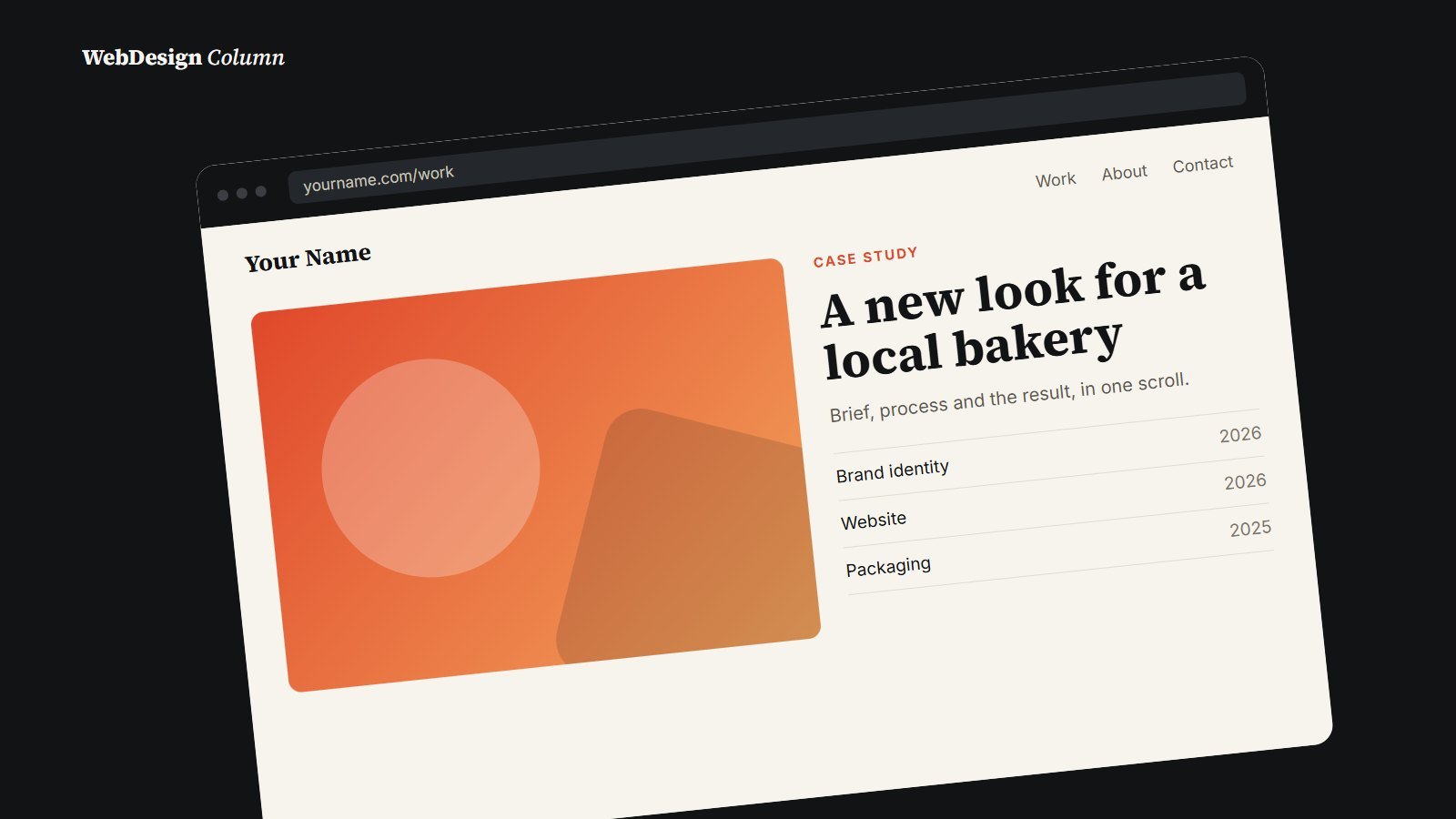
- A page for each project: the brief, your role, the result, and a few large images.
- An about page with a real photo, and a clear contact page or button on every page.
- Fast, well-sized images. Portfolios are image-heavy, so use modern formats like WebP and serve images at the size they’re shown.
What to look for in a portfolio theme
- Project layouts. A grid or masonry layout for the overview, and a clean single-project layout with room for text and large images.
- Block editor support. Most current themes work with the WordPress block editor, which makes project pages easy to build without a page builder.
- Speed. Check the theme’s demo in PageSpeed Insights on mobile before you commit.
- Recent updates. On WordPress.org, each theme page shows when it was last updated. Avoid themes that haven’t been touched in a long time.
- Readable text. Many portfolio themes use thin, light gray type that looks elegant and is hard to read. Check the contrast with one of the free checkers in our color tools for designers list.
If I were starting a portfolio today, I’d begin with a free block theme and spend the money on good photos of my work instead.
Free WordPress portfolio themes
All five are free in the WordPress.org theme directory, so you can install them from your dashboard under Appearance, then Themes.
Twenty Twenty-Five
The current default WordPress theme. It’s a block theme with patterns for different page types and is described as suitable for professional portfolios. Plain and fast, with nothing to switch off. A good choice if you want to build a simple portfolio entirely with blocks.
Neve
A lightweight multipurpose theme from Themeisle that works with the block editor and popular page builders, and lists portfolios among its uses. Its starter sites include portfolio layouts you can import and then replace with your own work.
Inspiro
From WPZOOM, aimed at creative professionals, photographers and visual portfolios, with ready-made starter sites for the block editor and Elementor. A strong pick if your work is mostly photography or video.
Hestia
A one-page style theme from Themeisle for freelancers, creative businesses and portfolios. It suits a portfolio that’s part of a small service business: work, services and contact on one scrolling page.
Rife Free
A portfolio and photography theme with several ready-made demo layouts and gallery options. It has plenty of settings, so take the time to switch off the effects you don’t need.
Premium WordPress portfolio themes
Premium themes give you more ready-made layouts and support from the developer. Check the current price, license terms and last update on each site before you buy.
Ronneby
A multipurpose WordPress theme with many portfolio and agency demos. Worth a look if you want a big library of layouts to choose from.
Bramble
From ThemeTrust, with several home page layouts and grid and masonry portfolio styles. A good fit for designers who want the work to fill the screen.
Elegant
A minimal blog and portfolio theme from Themify, with large typography and portfolio and team post types. It suits writers and designers whose work is as much words as pictures.
Prefer a simple HTML portfolio?
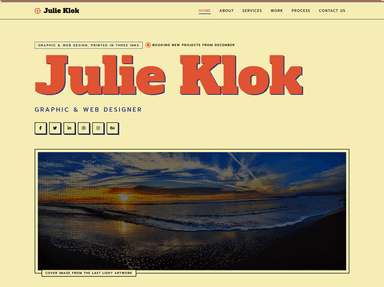
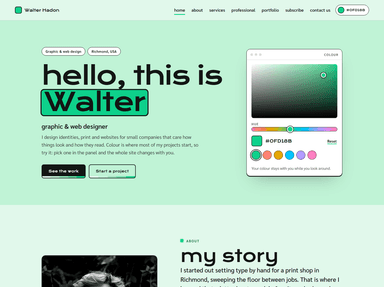
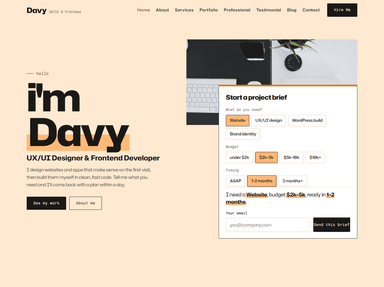
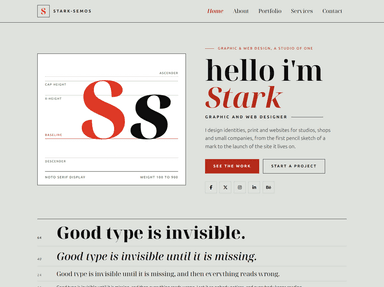
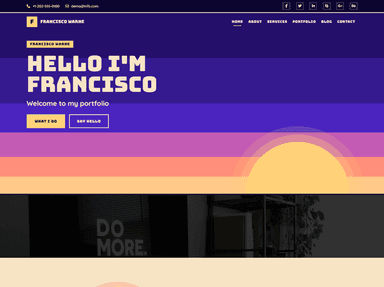
If you won’t add projects often, a static HTML template can be faster and cheaper to host than WordPress. ThemeVault, run by our author Maulik Umrania, has free portfolio templates you can start from:
 FreeHTML
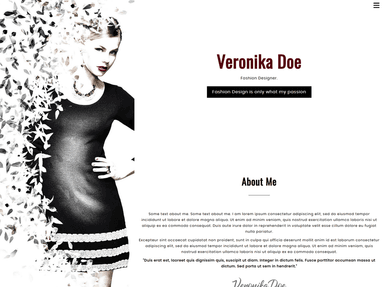
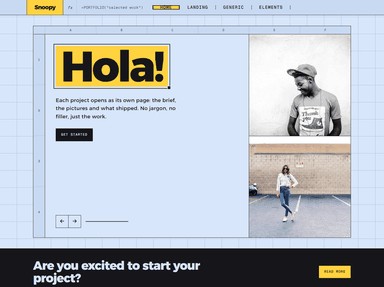 FreeHTML
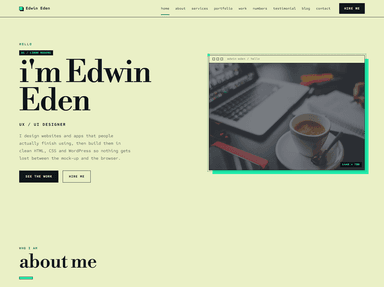
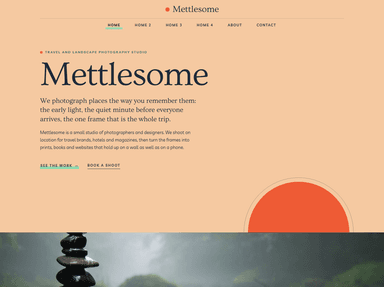 FreeHTML
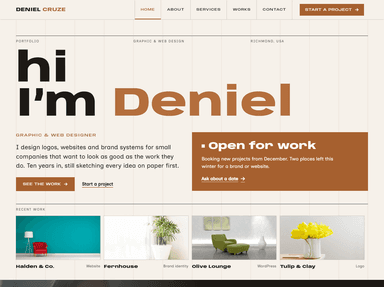
 PremiumNext.js
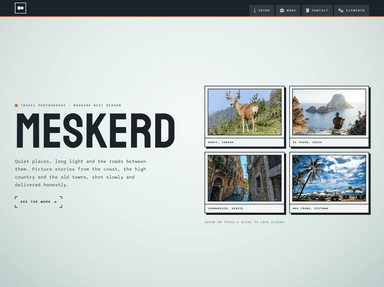 FreeHTML

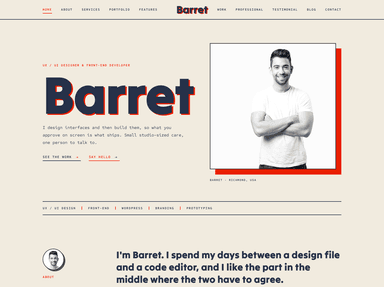
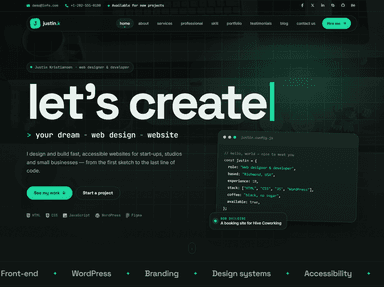 PremiumAstro
For more places to find free templates, see our list of free website templates.
Portfolio site checklist
- One line at the top that says what you do and for whom.
- Six to twelve strong projects, each with its own page.
- Brief, role and result written for every project.
- Images in WebP, sized for the space they fill.
- About page with a real photo.
- Contact button on every page.
- Demo checked in PageSpeed Insights on mobile before choosing the theme.
Frequently asked questions
What is the best free WordPress theme for a portfolio?
It depends on your work. Twenty Twenty-Five is a clean starting point for a simple block-built portfolio, Inspiro suits photography and video, and Neve and Hestia suit a portfolio that’s part of a service business. Try two or three with your own projects before deciding.
Do I need a premium theme for a portfolio?
Usually not. Free themes on WordPress.org are reviewed before they’re listed and many are well maintained. A premium theme is worth it if you want specific layouts or developer support.
How many projects should a portfolio show?
Fewer than most people think. Six to twelve strong projects, each with a short explanation of the brief, your role and the result, usually works better than a long grid.
Should my portfolio be on WordPress or a simple HTML site?
WordPress is easier if you’ll add projects regularly or want a blog. A static HTML template is fine for a small portfolio you rarely change, and it’s very fast.