
Almost nobody visits a restaurant website to admire it. They want the menu, the hours, the address and a way to book or order, usually on a phone, often while standing on a street corner deciding where to eat. Good restaurant website design gets them there in two taps and makes the food look worth the walk.
Here’s what a restaurant site needs, the mistakes that cost bookings, how to handle online ordering without giving away your margin, and a few templates to start from.
Key takeaways
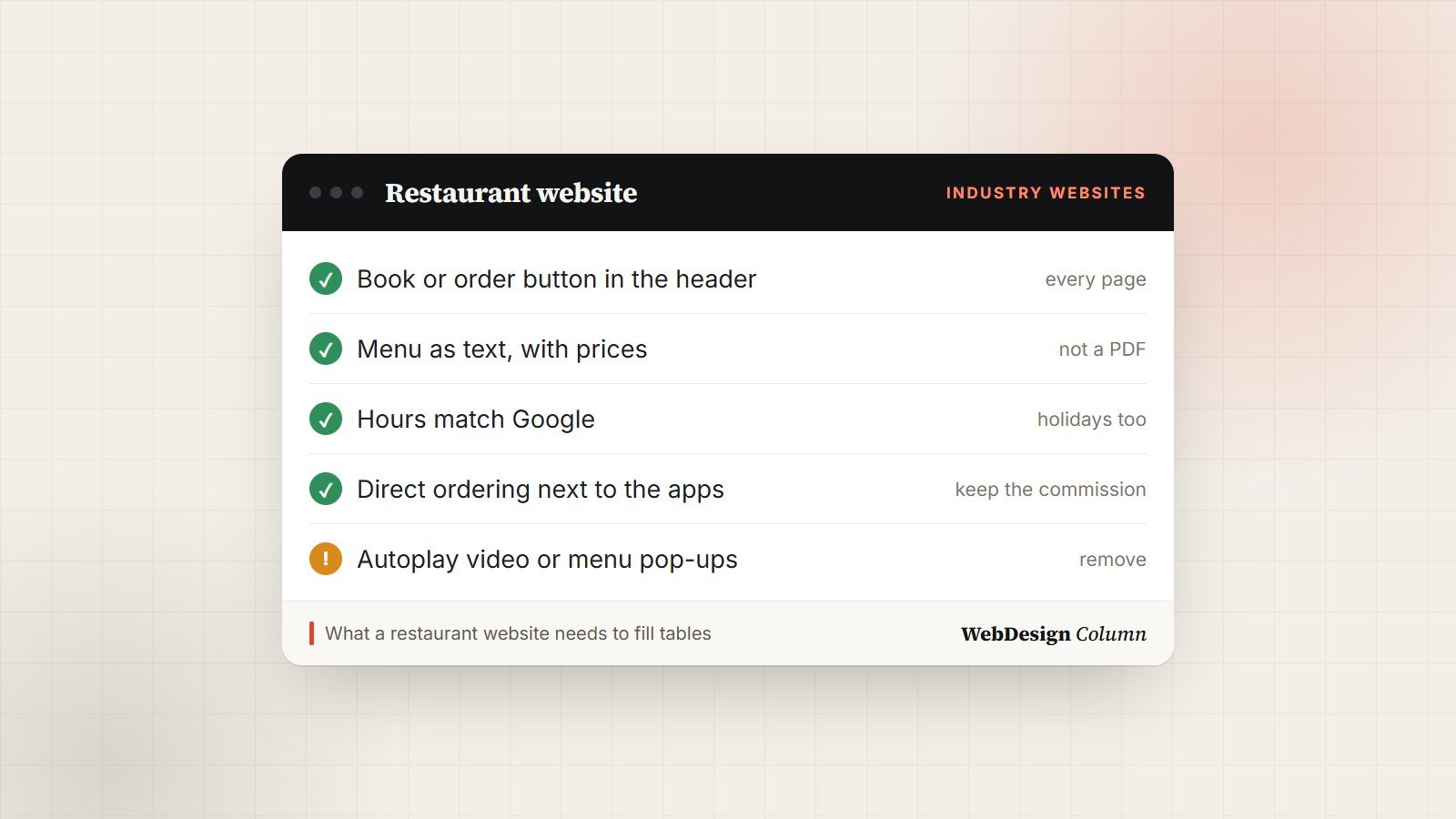
- Menu, hours, location and a book or order button should be reachable from the top of every page.
- Put the menu on the page as text, not as a PDF. It’s faster, easier to read on a phone and it can show up in search.
What every restaurant website needs
Start with the questions people actually arrive with. Are you open now? What’s on the menu and what does it cost? Where are you, and can I park? Can I book a table or order for pickup? If the home page answers those in the first screen on a phone, you’ve done most of the work.
After that, the pages are simple. A menu page (or one per menu: lunch, dinner, drinks, kids). A page for booking or ordering. Location and hours, including holiday hours. An about page with the story and the people behind the food. And if you do them, separate pages for private dining, events, catering and gift cards, since those are the enquiries worth the most.
The menu: text, not a PDF
A PDF menu is easy to upload and annoying to use. On a phone it means downloading a file, pinching and zooming, and often waiting for something designed for an A4 printer. It’s also hard for screen readers and invisible to the search results that show dishes and prices.
Put the menu on the page as real text, grouped into sections, with prices. Mark common allergens and dietary options (vegetarian, vegan, gluten-free) clearly, and add a line asking guests to tell staff about allergies. If you change the menu often, use a menu plugin or a simple page your team can edit in a minute, so the website never lags behind the printed menu.
Online ordering and reservations
Delivery apps bring in customers, but their commissions are steep, commonly somewhere between 15% and 30% of each order depending on the plan. A direct ordering system on your own site, usually a monthly fee or a small per-order charge, lets regulars order without that cut. Many restaurants keep both: apps for new customers, a “save on fees, order direct” button on the website for everyone else.
For tables, a reservation platform such as OpenTable, Resy or Tock, or the booking tool built into your point-of-sale system, is better than a contact form, because guests pick a real free slot and get an instant confirmation. And put the booking button in the header; a guest shouldn’t have to hunt for it on the contact page.
Design that makes people hungry
Photography does the selling. Real photos of your dishes, your room and your team beat stock images every time, and a half-day shoot with a food photographer is one of the best investments a restaurant site can make. Shoot in natural light, show dishes as they’re actually served, and update the photos when the menu changes.
Let the design match the place. A neighborhood taqueria and a tasting-menu restaurant shouldn’t look the same online, and guests use the site to judge whether it’s the right place for tonight. Keep the text readable, though: thin script fonts over busy photos look great in a mockup and are hard to read on a phone at night.
And keep it fast. Large food photos are the most common reason restaurant sites load slowly. Resize and compress them, and serve them as WebP or AVIF. Our guide to speeding up a WordPress site walks through the rest.
Getting found: local SEO for restaurants
Most new guests find you through Google Search and Maps, so your Google Business Profile matters as much as the website. Fill in every field, link to your menu and booking pages, post real photos, keep hours current (holidays too) and reply to reviews, including the bad ones.
On the site, use the same name, address and phone number as on your profile and directories, mention your neighborhood and cuisine naturally, and add structured data. schema.org has a Restaurant type with fields for cuisine, price range, hours and a link to your Menu, which helps search engines understand the page.
Mistakes that cost bookings
- Hours on the website that disagree with Google.
- A menu from last season, or prices that no longer match.
- Autoplaying video or music on arrival.
- A phone number that isn’t tappable on mobile.
- Booking hidden behind a contact form that someone answers the next morning.
- Pop-ups covering the menu before anyone has read a line.
Restaurant templates to start from
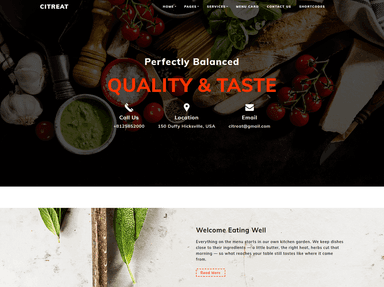
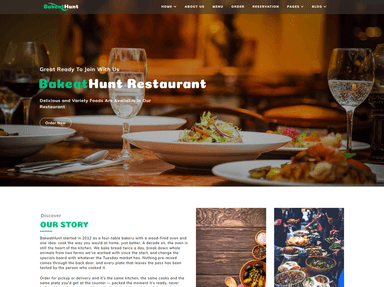
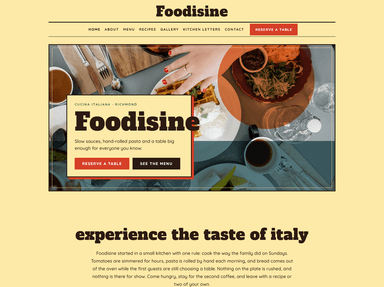
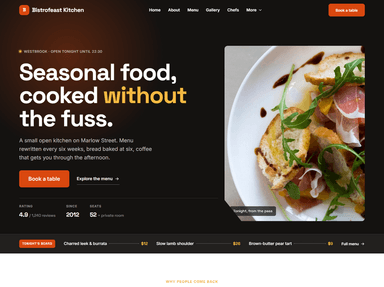
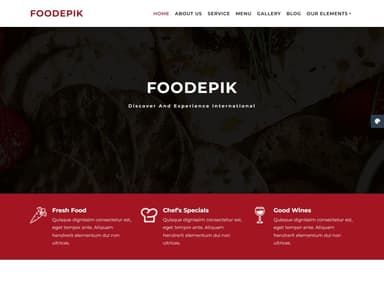
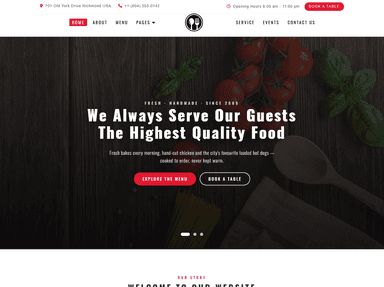
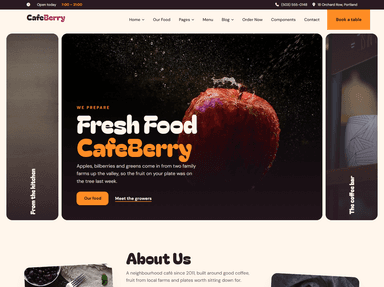
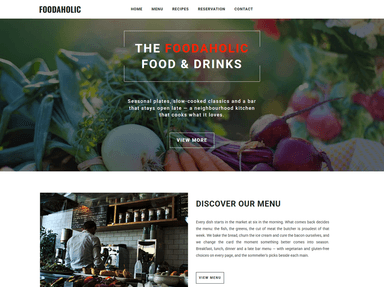
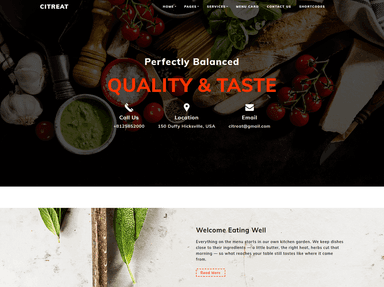
A template gives you a tested layout for the menu, booking and gallery pages, so the budget can go into photography and content. ThemeVault, run by our author Maulik Umrania, has 22 restaurant and food templates, half of them free. A few to look at:
 PremiumAstro
 FreeHTML
 PremiumAstro
 FreeHTML
 FreeHTML
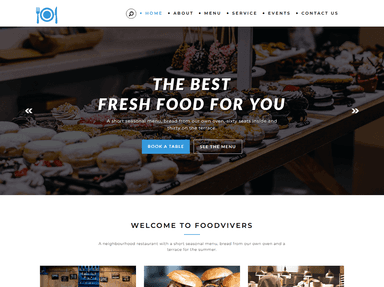
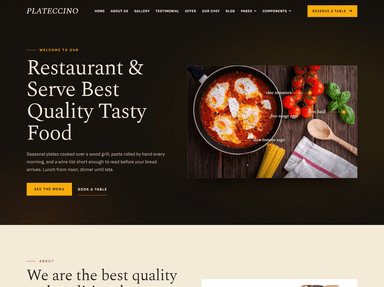 FreeHTML
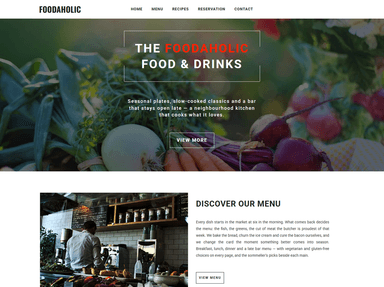 FreeHTML
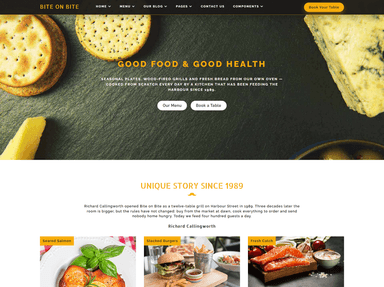 FreeHTML
Whichever template you choose, replace every demo photo and line of text with your own before launch, and check the menu page works as text, not an image.
Restaurant website checklist
- Book or order button in the header on every page.
- Hours including holidays, matching Google.
- Menu as text with prices, allergens and dietary options.
- Tappable phone number and a map with parking notes.
- Real photos of dishes, room and team.
- Direct ordering option next to the delivery apps.
- Private dining, events, gift cards pages if you offer them.
- Google Business Profile complete;
Restaurantstructured data on the site. - Fast on phones, with no autoplay and no pop-up over the menu.
Frequently asked questions
How much does a restaurant website cost?
A template-based site with menu, booking and location pages can cost a few hundred dollars if you build it yourself, or a few thousand with a freelancer. Custom design, online ordering integration and professional photography push it higher. Our guide to website redesign costs breaks down the bands.
Should a restaurant use a PDF menu?
Offer one as a download if you like, but don’t make it the only menu. A text menu on the page loads faster, reads better on phones, works with screen readers and can appear in search results.
Do I need my own online ordering if I’m on delivery apps?
It’s worth having for regulars. Apps are good at finding new customers; direct ordering keeps the commission on orders from people who already know you.
What’s the best platform for a restaurant website?
WordPress works well when you want full control and plan to grow the site; hosted builders are simpler for a single small location. More important than the platform: a menu your team can update in a minute and a booking or ordering tool that connects to how you already run the restaurant.
Opening or refreshing a restaurant?
Get a restaurant website that fills tables.
Our partner agency Plugig Solutions builds fast, editable WordPress sites for small businesses, and sends a fixed quote and timeline before any work starts. Bring the checklist above to the conversation.

Leave a Reply